
Brave vs Chrome Privacy & Tab Security in 2026: The Brutally Honest Technical Comparison
An exhaustive, technical head-to-head comparison between Brave and Google Chrome in 2026. We test tracking shields, canvas fingerprinting, memory isolation, process sandboxing, and physical tab security on shared machines.
TL;DR
Brave is decisively more private than Chrome against external surveillance, blocking third-party trackers, Google Topics telemetry, and browser fingerprinting out of the box. However, because both rely on the same Chromium core, they share a critical blindspot: neither browser provides internal tab access control or password-protected tabs once unlocked. Adding Locksy to either browser bridges this gap with offline PBKDF2 encryption and biometric unlock.
ComparisonBraveChromeBrowser PrivacyBrowser SecurityTab SecurityTracking PreventionBiometrics
Share:
Key Takeaways
- Brave and Google Chrome share the exact same underlying Chromium engine (Blink rendering engine and V8 JavaScript engine), resulting in identical memory sandboxing and process isolation.
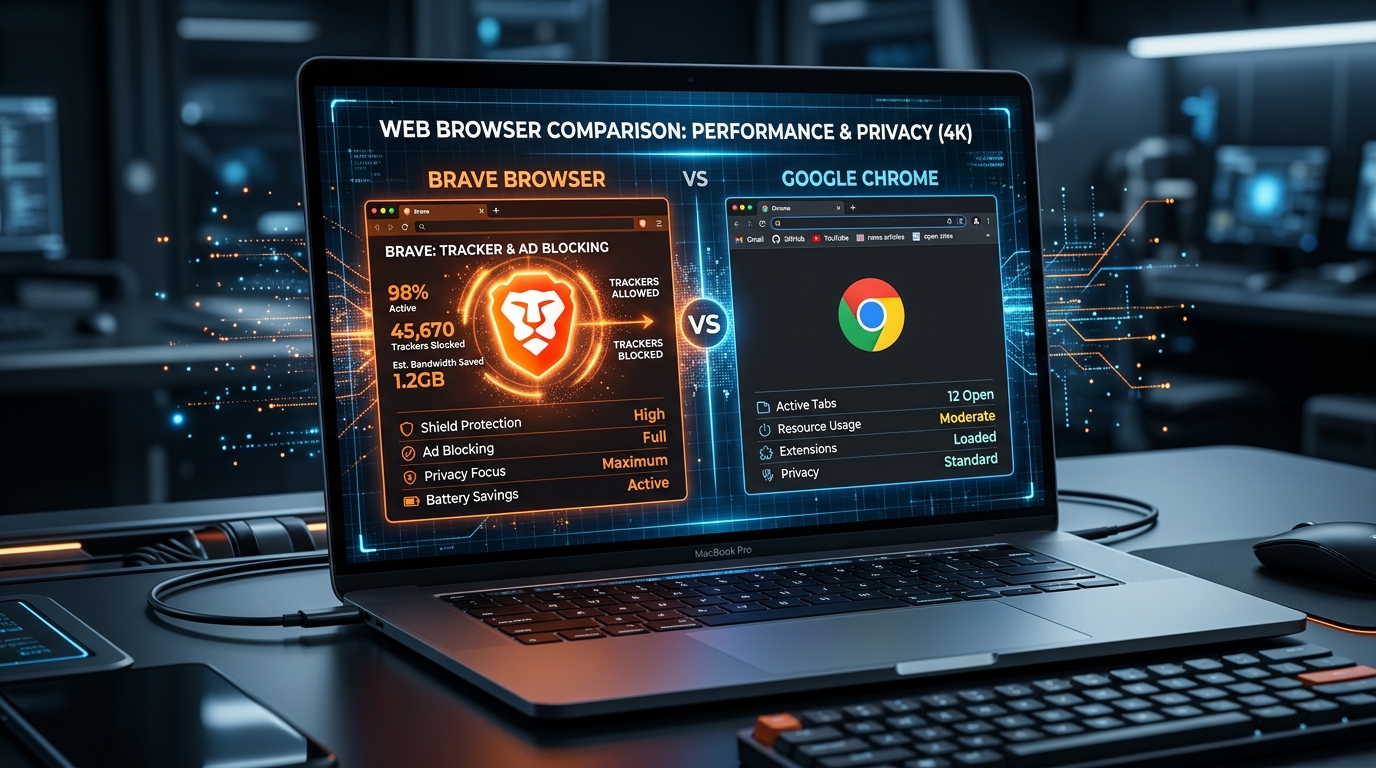
- Brave decisively wins on network privacy: its native Rust-based Shields block tracking scripts, remove URL tracking parameters, and randomize HTML5 canvas and WebGL fingerprints.
- Chrome prioritizes ecosystem integration and Google advertising business interests, transitioning to Manifest V3 and the Privacy Sandbox (Topics API) which categorizes user interests for advertisers.
- Google maintains a minor edge in patch velocity: critical zero-day exploits in the Chromium engine are deployed to Chrome within hours, whereas downstream forks like Brave usually push updates 24 to 48 hours later.
- The Shared Vulnerability: Neither Chrome nor Brave provides native tab password protection, biometric locking, or disguise capabilities against physical snooping or shoulder-surfing.
- Because Brave is 100% Chromium-compatible, installing Locksy from the Chrome Web Store grants both browsers identical offline PBKDF2 encryption (600,000 iterations) and Touch ID / Windows Hello support.
- A 10-minute hardening checklist allows users on either browser to achieve near-maximum digital privacy.
The 2026 Browser Privacy Battle: Google Chrome vs Brave
In 2026, your web browser is no longer a simple document viewer. It is your primary operating system.
Inside your active browser tabs live your financial portfolios, email correspondence, cloud infrastructure consoles, customer databases, personal messaging apps, and identity management portals. The browser holds the keys to your entire digital life.
When privacy-conscious users decide which browser to trust, the debate almost always narrows down to two contenders: Google Chrome, the undisputed market leader holding roughly 65% of the global browser market, and Brave Browser, the privacy-focused alternative that promises to sever your ties with Big Tech surveillance.
Most online comparisons focus entirely on surface-level benchmarks: SunSpider speed tests, RAM consumption charts, and UI designs.
In this technical breakdown, we look at the question through a rigorous security lens:
- How do their anti-tracking and fingerprinting architectures compare?
- How do their memory sandboxes and zero-day patch pipelines differ?
- What is the critical internal security vulnerability that both browsers fail to solve?
- How can you configure either browser to achieve surgical, biometric-backed tab protection?
Architectural Comparison: Chrome vs Brave
Before examining individual features, it is vital to understand the foundational relationship between these two browsers:
| Component / Layer | Google Chrome | Brave Browser | Technical Implication |
|---|---|---|---|
| Underlying Engine | Chromium (Blink + V8) | Chromium (Blink + V8) | Identical rendering speed and HTML/CSS standard support |
| Telemetry & Reporting | Active to Google servers | Stripped / Zero telemetry | Chrome reports browsing metrics; Brave communicates zero browsing activity |
| Ad & Tracker Blocking | Declarative Net Request (MV3) | Native Rust engine (Brave Shields) | Brave blocks at the network layer before scripts load |
| Fingerprint Defense | Permissive (easy to profile) | "Farbling" (API randomization) | Brave makes your canvas/audio profile look like noise |
| Site Isolation | Enabled by default | Enabled by default | Dedicated OS process per origin |
| Zero-Day Patch Velocity | Within 12–24 hours | 24–48 hours downstream | Google patches upstream zero-days first |
| Extension Store | Chrome Web Store | Chrome Web Store | Identical access to privacy extensions |
| Native Tab Locking | ❌ None | ❌ None | Neither protects tabs from physical access |
1. Network Privacy & Web Surveillance: The Decisive Divide
The most glaring distinction between Google Chrome and Brave stems from their fundamental business models.
Google Chrome: An Ad Company's Gateway
Alphabet generated over $240 billion in advertising revenue last year. Google Chrome was created, and is maintained, to ensure that the open web remains a viable, measurable advertising surface.
While Google has invested billions in engineering state-of-the-art sandbox isolation, its privacy stance is constrained by its revenue model:
- The Privacy Sandbox & Topics API: Google replaced third-party cookies not with total blocking, but with the Topics API. Under this system, your browser monitors your browsing history, calculates your top commercial interests, and shares those interest buckets directly with advertisers.
- Manifest V3 Constraints: Chrome transitioned extensions to Manifest V3, replacing powerful dynamic request blocking APIs (
webRequest) with static rulesets (declarativeNetRequest). While this improves extension performance and memory safety, it intentionally constrained the real-time blocking power of advanced ad blockers like uBlock Origin. - Telemetry Default: Chrome continually transmits metrics, installation identifiers, and crash dumps back to Google servers unless manually configured through deep enterprise flags.
Brave: Native Rust-Powered Defense
Brave was founded specifically to combat behavioral advertising. Rather than treating tracker blocking as an afterthought, Brave built Shields directly into the core browser binary:
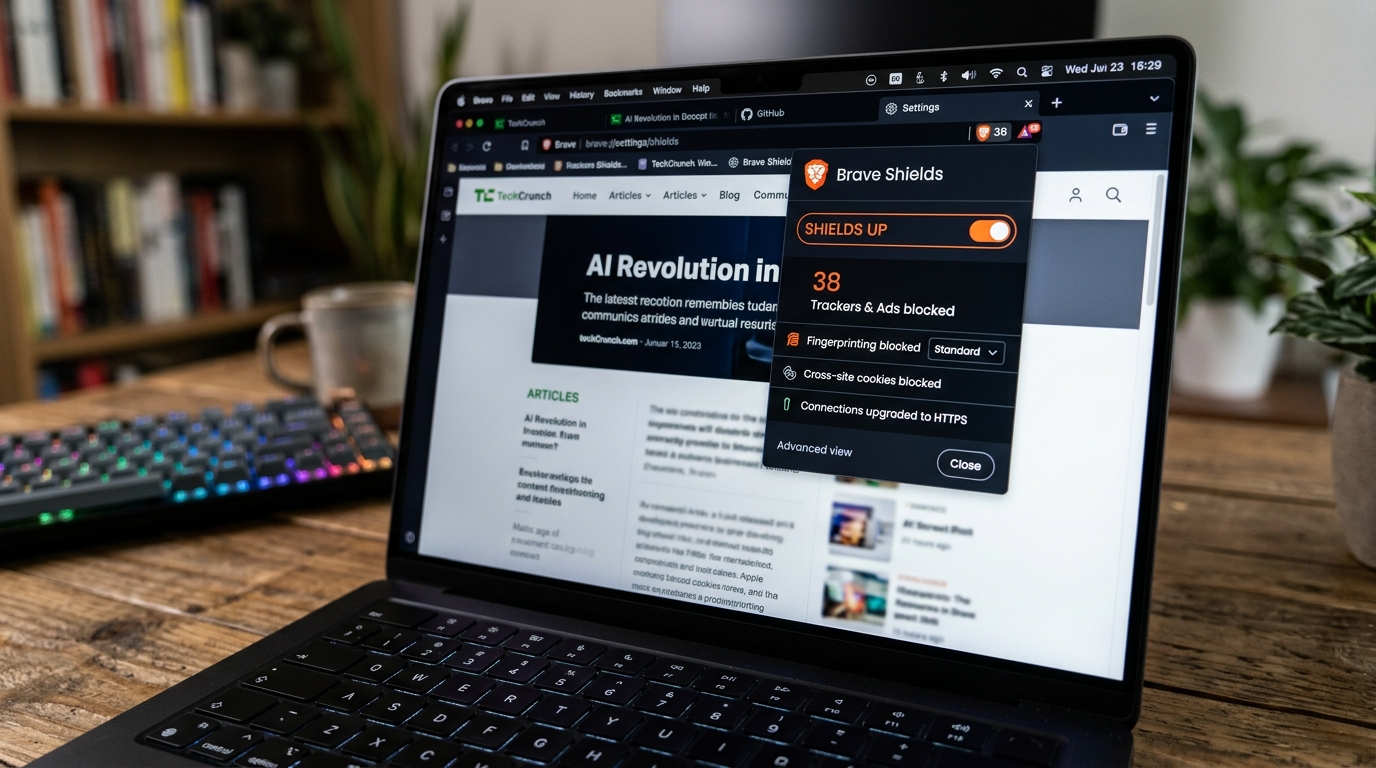
- Rust-Based Network Filtering: Shields evaluates inbound URLs against community-maintained blocklists (such as EasyList and uBlock filters) in compiled Rust code. Network requests to tracking endpoints are dropped before the browser allocates CPU cycles to download them.
- Farbling (Fingerprint Randomization): When websites use HTML5 Canvas, WebGL, or Web Audio APIs to generate a unique digital fingerprint of your hardware, Brave subtly perturbs the mathematical output with microscopic random noise on every site visit. As a result, tracking algorithms cannot correlate your visits across different domains. To understand how these tracking vectors work, read our deep-dive on browser fingerprinting explained.
- Zero Telemetry: Brave strips all Google tracking endpoints, disables Google sync servers, and does not record or monetize user browsing histories.
Verdict on Network Privacy: Brave wins unequivocally.
2. Process Sandboxing & Memory Security
When analyzing memory corruption exploits, cross-site scripting (XSS), and privilege escalations, both browsers share the exact same battle-tested engine: Chromium.

Site Isolation Architecture
Both Chrome and Brave enforce strict Site Isolation:
- Every website you visit runs in its own dedicated operating system process.
- If an attacker compromises a malicious website in Tab A via a zero-day JavaScript exploit, the Chromium process sandbox prevents that process from reading the memory, session cookies, or DOM of your banking portal in Tab B.
- Both browsers employ memory safety features such as V8 pointer compression, sandboxed heap allocations, and Control Flow Guard (CFG).
The Patch Velocity Dilemma
Here is where Google Chrome holds a legitimate engineering advantage.
When security researchers discover critical zero-day vulnerabilities in Chromium (such as heap buffer overflows in WebP or libvpx video decoding), Google's internal security team develops and deploys upstream patches immediately:
- Google Chrome pushes updates directly to end users within 12 to 24 hours.
- Brave, as an independent downstream fork, must review the upstream commits, merge them into their customized codebase, compile new binaries, run regression tests, and distribute them to their update servers. This downstream pipeline typically takes 24 to 48 hours.
While 48 hours is fast compared to legacy software development, in an era where automated zero-day exploit kits hit the wild within hours of public disclosure, Google's patch velocity is a tangible benefit for enterprise environments. For more on how process isolation works, see our guide on browser sandbox escapes.
Verdict on Sandboxing: Slight edge to Chrome for patch distribution speed.
3. The Unaddressed Blindspot: Tab Security on Unlocked Computers
Here is the central paradox that almost every browser comparison ignores:
Both Chrome and Brave spend immense engineering effort protecting you from external hackers on the internet — yet neither provides ANY protection against someone standing two feet away from your screen.
Consider standard workplace and home environments:
- You use Brave because you want strict digital privacy.
- You have tabs open for your cryptocurrency exchange, your personal bank dashboard, your confidential work email, and your medical portal.
- You stand up to refill your coffee or answer a question across the room.
- A colleague, family member, or roommate walks by your desk.
In that scenario, all of Brave's fingerprinting defenses, tracking blocks, and sandbox isolations are completely meaningless. Anyone who looks at your screen or touches your mouse has 100% unrestricted access to your logged-in sessions.
Why Built-In Solutions Fall Short
- Closing the Laptop Lid (OS Lock Screen): Pressing Win+L or Cmd+Control+Q locks your entire operating system. It works, but it is an all-or-nothing approach that disrupts your workflow: external monitors power down, audio calls drop, and downloads pause.
- Multiple Browser Profiles: Profiles help organize bookmarks and separate cookies, but they offer zero access control. Anyone who clicks the profile avatar in the browser toolbar can switch to your personal profile without entering a password.
- Password Managers: Password managers protect your login credentials. But once you have logged into your bank and your dashboard is visible on screen, the password manager's job is finished. It does not protect the live, authenticated session. To understand why sessions require separate protection, read our breakdown of session hijacking and stolen cookies.
4. Bridging the Gap: Adding Real Tab Protection with Locksy
Because Brave is built on Chromium, it maintains full compatibility with extensions published on the Chrome Web Store.
This allows you to add the missing layer of local access control to both Brave and Chrome using Locksy.
How Locksy Complements Brave and Chrome:
- Cryptographic Navigation Locking: Unlike older extensions that place a flimsy CSS banner over your content, Locksy unmounts the tab's DOM entirely and routes the tab to an isolated extension sandbox. Chrome DevTools cannot inspect or retrieve the hidden page content.
- Military-Grade Key Derivation: Locksy uses PBKDF2-HMAC-SHA256 with 600,000 iterations and a 16-byte random salt, exceeding corporate OWASP guidelines.
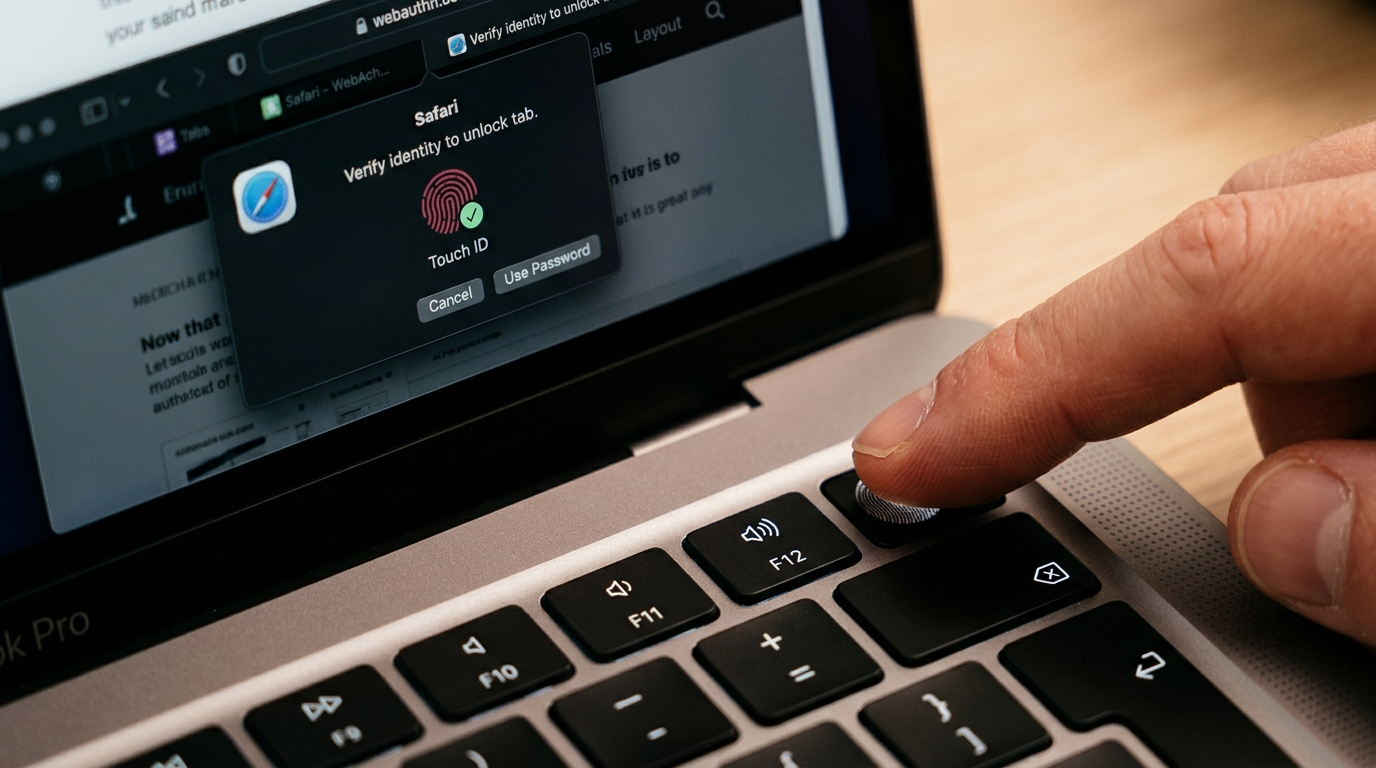
- Biometric Unlock in 0.1 Seconds: Unlock your sensitive tabs instantly using Apple Touch ID on macOS, Windows Hello (fingerprint, face, or PIN) on Windows, or hardware security keys (like YubiKey).
- Smart Idle Auto-Lock: Configure your financial or work tabs to automatically lock after 2 minutes of inactivity, with smart media detection that prevents interrupting video or audio playback.
- Domain Wildcards: Automatically enforce password or biometric gates whenever sensitive domains (e.g.,
*.binance.com,chase.com,web.whatsapp.com) are opened. - 100% Offline & Zero Knowledge: Perfectly matching Brave's privacy ethos, Locksy operates without cloud accounts, makes zero telemetry network calls, and stores all keys strictly on your local machine.
5. Side-by-Side: The Complete Browser Security Shootout
| Security Capability | Google Chrome Default | Brave Default | Chrome + Locksy | Brave + Locksy |
|---|---|---|---|---|
| Third-Party Tracker Blocking | ❌ (Permissive) | ✅ (Native Rust) | ⚠️ (Requires adblock) | ✅ (Native Rust) |
| Fingerprint Scrambling | ❌ None | ✅ (Farbling) | ❌ None | ✅ (Farbling) |
| Site Isolation Sandboxing | ✅ Excellent | ✅ Excellent | ✅ Excellent | ✅ Excellent |
| Zero-Day Patch Speed | ⚡ Fast (12–24h) | 🔄 Good (24–48h) | ⚡ Fast (12–24h) | 🔄 Good (24–48h) |
| Telemetry to Google | ⚠️ High | ✅ None | ⚠️ High | ✅ None |
| Per-Tab Password Protection | ❌ None | ❌ None | ✅ PBKDF2 600k | ✅ PBKDF2 600k |
| Biometric Tab Unlock | ❌ None | ❌ None | ✅ Touch ID / Win Hello | ✅ Touch ID / Win Hello |
| Stealth / Disguise 404 Mode | ❌ None | ❌ None | ✅ Built-in | ✅ Built-in |
| Auto-Lock on Inactivity | ❌ None | ❌ None | ✅ 1–480 min | ✅ 1–480 min |
For a broader perspective on how these browsers compare to Mozilla Firefox, see our comprehensive analysis of Chrome vs Firefox vs Edge tab security.
The 10-Minute Browser Hardening Checklist
Regardless of whether you choose Brave or Google Chrome, follow this 5-step checklist to maximize your day-to-day security:
- Enable HTTPS-Only Mode: Ensure your browser automatically upgrades all unencrypted HTTP traffic to encrypted HTTPS. In Chrome/Brave settings, navigate to Privacy and Security > Security > Always use secure connections.
- Disable Google Telemetry (If Using Chrome): Turn off "Make searches and browsing better" and disable the "Topics API" under Settings > Privacy and Security > Ad privacy.
- Turn Off Cross-Device Tab Sync for Sensitive Profiles: If you share a Google account across personal and work devices, disable Tab Sync to prevent active banking or confidential tabs from appearing on other devices.
- Install Locksy and Configure Domain Rules: Install Locksy on your browser, set your master password, and add domain rules for banking, email, and personal messaging portals.
- Audit Your Browser Privacy Posture: Run our interactive Browser Privacy Score tool to evaluate your current configuration against known tracking and data leakage vectors.
Final Verdict: Which Browser Should You Use in 2026?
- Choose Brave if your highest priority is out-of-the-box privacy from advertising networks, zero telemetry, and built-in protection against browser fingerprinting.
- Choose Google Chrome if you operate heavily within Google Workspace enterprise ecosystems and require the fastest zero-day patch deployments in the industry.
Whichever browser you choose, do not leave your active tabs unprotected from physical snooping. The browser protects you from the internet; you must protect your open tabs from the physical world.
Install Locksy Free on Brave & Chrome or read our foundational walkthrough on how to password protect browser tabs in 2026.
Frequently Asked Questions
Is Brave Browser genuinely safer and more private than Google Chrome?
Can Brave Browser password-protect or lock individual open tabs?
Do Google Chrome extensions work natively on Brave Browser?
Which browser receives security vulnerability patches faster?
How does Locksy enhance tab security on both Brave and Chrome?
Does Brave Shields interfere with Locksy or tab security extensions?
VS
Vansh SethiAuthor
Developer & Founder of Locksy
Vansh is the developer and founder of Locksy — a privacy-first browser tab security extension trusted by 5,000+ users across Chrome, Edge, Firefox, and Brave. He writes about browser security, privacy, and developer tools.
Related Articles

Tutorial
A practical, no-nonsense guide to locking your browser tabs with a password — because closing the laptop lid is not a security strategy.

Comparison
Think your browser's safe? Think again. I dive deep into the essential browser security extensions everyone needs in 2026 to protect their privacy, data, and

Tutorial
How to Lock Specific Tabs in Chrome Without Extensions. Learn about lock chrome tabs and chrome tab security with practical tips and expert advice.